Tab & focus
Tab blur and visibility-hidden episodes, when attention leaves the exam window.
Protect the integrity of every interview and exam. Catch risk early. Review evidence when you need it.
Why Invigile
What you can’t see during an interview or exam is exactly what costs you later. Until you have evidence.
Problem
01
Online assessment fraud more than doubled in a year. Entry-level roles now see cheating attempts near 40%.
02
One compromised interview can mean months of wrong-fit cost. Most teams only learn after the offer is out.
Solution
03
Integrity monitoring runs quietly through the interview or exam. No mid-session interruption. No awkward pause.
04
Open sealed proof when you need it, share it with stakeholders, and decide with more than a gut feeling.
Product
Explore a sealed session timeline, same Events surface as the product. Hover nodes, open proof, then .
Senior Frontend · live coding·Mar 12 · 52 min
Camera · Verified throughout
Identity · Matched at gate
Insight
Given these integrity breaks, the likelihood that the candidate cheated is high. The timeline reads as coordinated assistance, so a near-floor score follows naturally.
Events
8 signal groups · 52 min
Tab hidden
+02:083 sn
Copy
+05:20Focus loss
+08:122 sn
Paste
+11:05Signals
Tab blur and visibility-hidden episodes, when attention leaves the exam window.
Clipboard into answer fields: blocked where policy says, always sealed in the log.
Multi-face, face absent, or obscured lens. Who is in the frame stays on the record.
Eyes leave the screen long enough to matter: yaw, pitch, and iris drift, held ~1.5s.
ID gate before the exam, then live face match, so the person who verified is the one who sits.
OS Agent blacklist: Cluely, Interview Coder, Parakeet, ChatGPT desktop, and curated copilots. Soft-flag, silent.
Second displays soft-flagged by the OS Agent. Extra screens don’t stay invisible.
Capture shortcuts and screencapture processes: logged as soft flags, never announced.
Remote share tools (TeamViewer, AnyDesk, RustDesk, and peers), flagged with hysteresis.
Workflow
Embed under your ATS. Sealed evidence when the session ends.
How will you integrate?
SDK embed
Drop @invigile/sdk into your exam UI.
Form Wrapper
Google Form / Jotform invite link.
Senior Frontend
job-482-react-screen
Browser
Anyone with the link
One share link. Name + email at the gate.
Invite only
Per-candidate links you create.
Open exam link
Copy linkexam.invigile.com/i/sr-fe-482…Maya R.
CompletedSenior Frontend · 52 min
Events
3 signal groups · 52 min
Platform
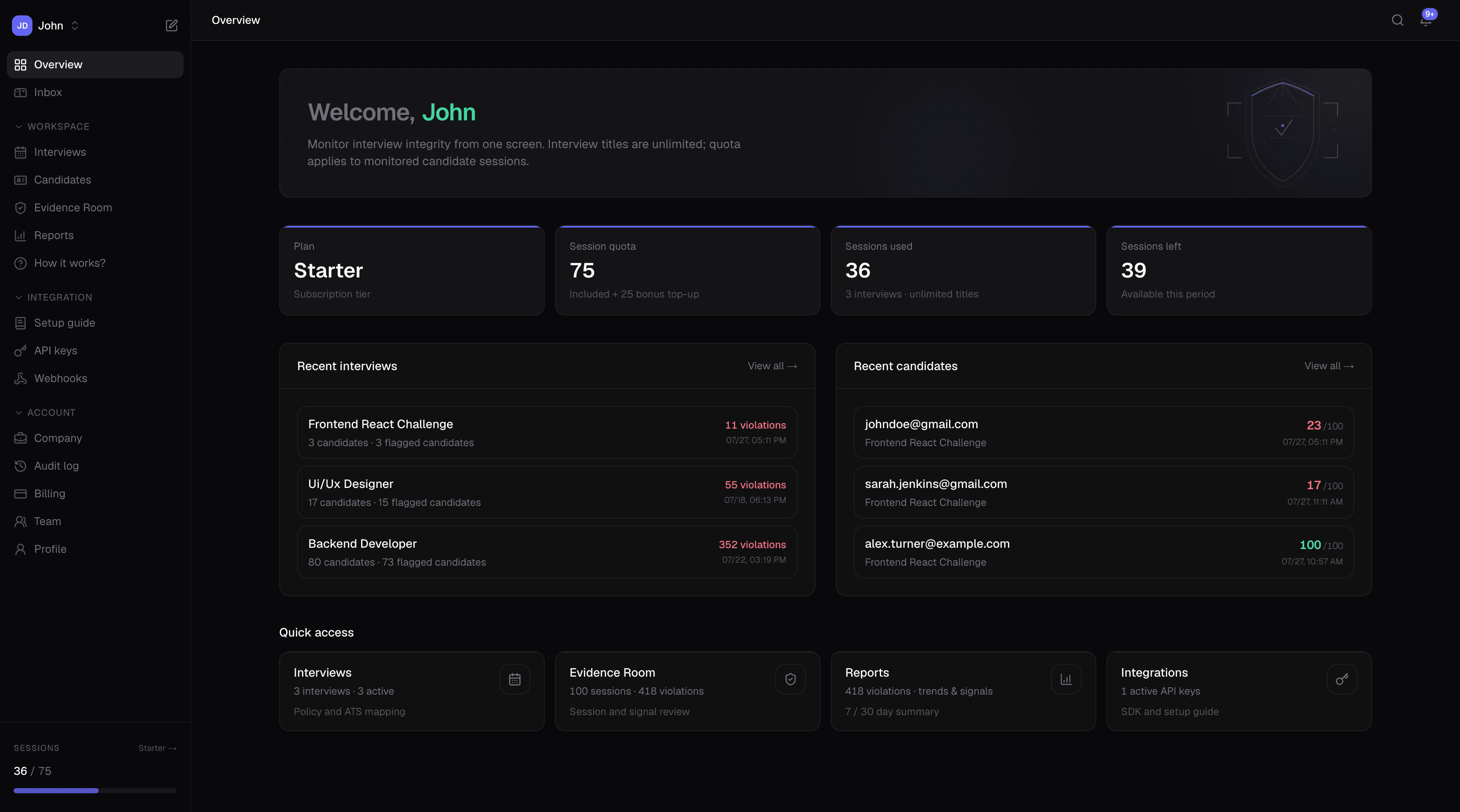
Live signals, trust scores, and sealed evidence in a single place so you can review risk without hunting across tools.
Tab hidden + focus loss sealed. Integrity Score at Moderate trust. Open Evidence Room.
Maya R.
candidate · Frontend live coding
OS Agent flagged a second display: multi-monitor episode on the integrity trail.
Jordan Lee
candidate · System design
Paste after focus loss: clipboard text sealed; correlated copy/paste pattern.
Sam Okonkwo
candidate · Take-home coding
Multi-monitor, screen share, banned tools: sealed for review.
Foundation
Browser signals and the desktop agent share one evidence chain. Trust scores surface the risk. Sealed proof is ready when someone asks why.